
A customer renewal can open a bigger conversation than whether to extend an agreement. The business may need more seats, additional services or help with a technology it is still trying to understand. An MSP that makes time for those discussions has an opportunity to grow an account it already serves.
That is where Jessica McDowell encouraged providers to look as they plan for growth. The distributor’s senior vice president of North America marketing and digital customer success spoke with ChannelPro at TD SYNNEX’s Inspire event in Greenville, South Carolina.
McDowell said attracting new customers is still important, but providers often overlook opportunities within their current base. “Way too many times, we don’t focus enough on the existing customer base. There are so many opportunities for upselling, for expanding.”
Her advice connects three parts of the growth equation:
- Understand what existing customers need.
- Create capacity to spend more time with them.
- Bring in additional expertise when an opportunity exceeds the MSP’s current capabilities.
Turn customer data into conversations
McDowell described customer lifecycle information as a way to help providers identify where those conversations should begin. Functionality introduced in TD SYNNEX’s PartnerFirst platform in August uses renewal data to surface growth opportunities for additional products, services and expanded seat counts.

Jessica McDowell
At the time, that lifecycle stage analysis was available for select vendors, including Microsoft and Cisco. The capabilities are intended to give partners a clearer view of customer opportunities and make it easier to act on them.
The value for an MSP is in connecting that information to a customer’s circumstances. A renewal can prompt a review of how the business has changed, whether its current services still fit and where additional support could help.
A connected partner experience is one that combines ordering and processing with analytics that give providers something useful to do next, McDowell explained. That could mean identifying a complementary service or recognizing an opportunity to expand an existing deployment.
It also requires a person to put the information in context. It’s important to keep a human involved as partners evaluate opportunities and make decisions, she added.
Free up time for the customer
Finding growth opportunities is only part of the challenge. Someone still needs time to discuss them with the customer.
Partners using TD SYNNEX’s digital tools to move faster can redirect capacity toward customer conversations and give staff more room to work on relationships and opportunities, McDowell said. Take PartnerFirst’s AI capabilities. Partners can use its AI agent to answer questions about product availability, estimated arrival times and comparable products. This can reduce the need to contact a representative for routine information.
TD SYNNEX announced additional agentic capabilities at Inspire in October. Among them, Agent Bridge includes an agent builder and ready-to-use agents designed to connect PartnerFirst information and capabilities with partners’ existing systems. The company described applications including quoting, product searches and order tracking.
McDowell also emphasized that partners can choose how they engage. Some want a quick answer through self-service. Others want a conversation about a deployment or a difficult business decision. Human assistance remains part of that experience, she said, including for smaller partners. The digital customer success team can help when users get stuck or need guidance.
The practical question for an MSP is where routine work consumes time that could otherwise support a customer. Making those tasks easier creates room for the conversations McDowell considers central to growth.
Fill the gaps before they limit the growth opportunity
McDowell’s growth advice starts with an internal assessment. The provider must understand the skills and resources they already have, then identify gaps where additional support could help.

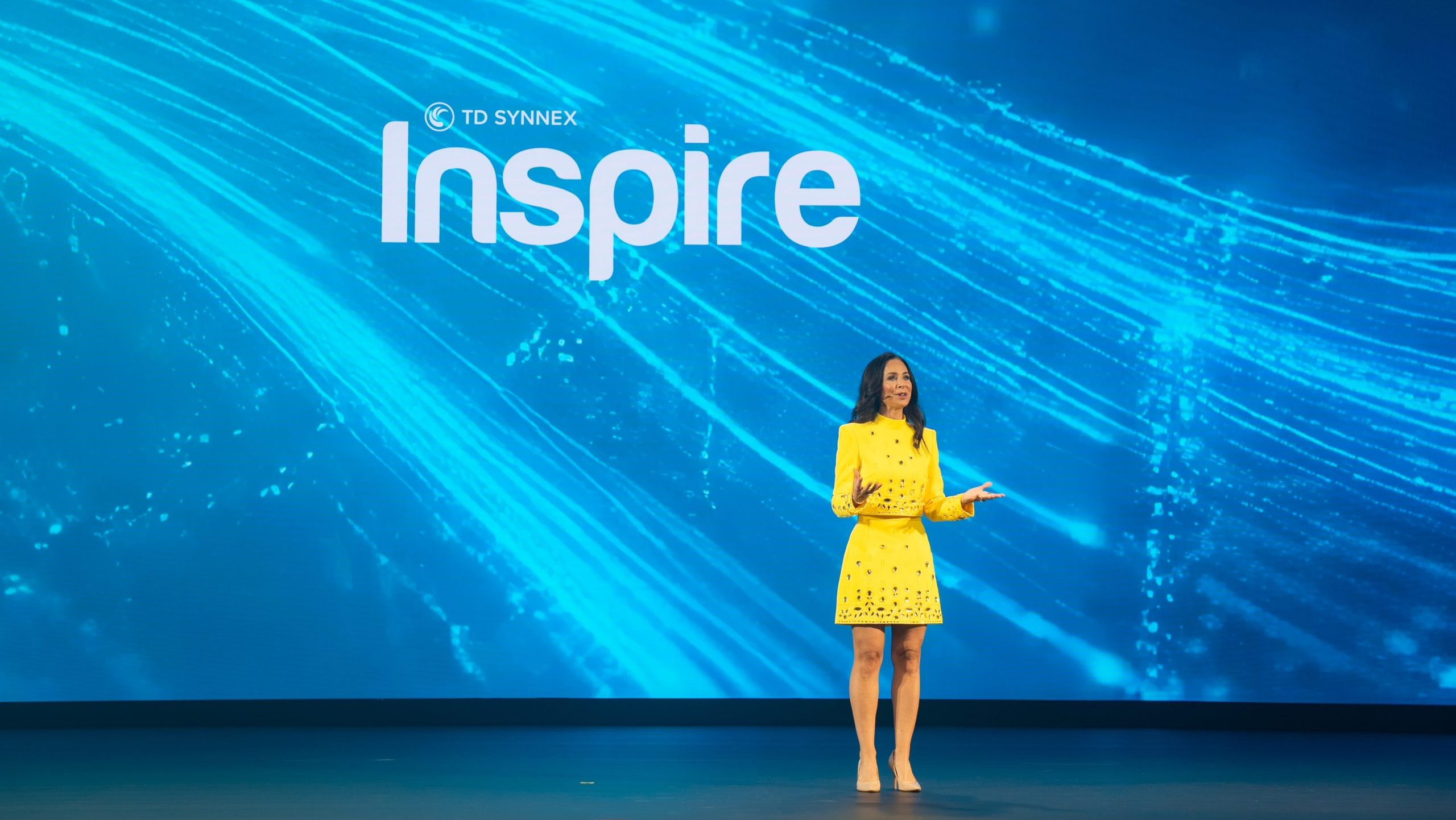
Jessica McDowell at TD SYNNEX Inspire
AI services illustrate both sides of that equation. MSPs can help customers deploy and manage AI workflows, McDowell said. She also acknowledged that MSPs are working through some of the same complexity themselves.
Customer enthusiasm does not necessarily mean they are ready for an implementation. Some believe they are prepared, then discover otherwise. Helping them evaluate readiness can become a consulting opportunity before a deployment begins, she said. “It’s not just the opportunity to go deploy these services and management of the AI workflows, but an opportunity to come in and consult on it.”
For an MSP already supporting the business, that discussion can help establish which AI opportunities are practical and what preparation is needed. It also gives the provider a reason to examine its own ability to deliver the proposed work.
MSPs pursuing growth should be able to draw on outside services when they lack the capital, staff or bandwidth to build a capability internally, McDowell said. TD SYNNEX can provide professional services to supplement what partners already offer, she said. That support can serve as a bridge while an MSP develops its own practice or remain part of how it delivers the service. The provider can evaluate what makes sense for its business and the customer’s requirements.
“And we can help augment that for you forever or as you build it yourself,” McDowell concluded.
More ChannelPro coverage from TD SYNNEX Inspire
 AI’s surprise bills could become an MSP’s next recurring service
Joel Zaidspiner is vice president and associate publisher of The ChannelPro Network.
Images: TD SYNNEX, Jessica McDowell via LinkedIn