
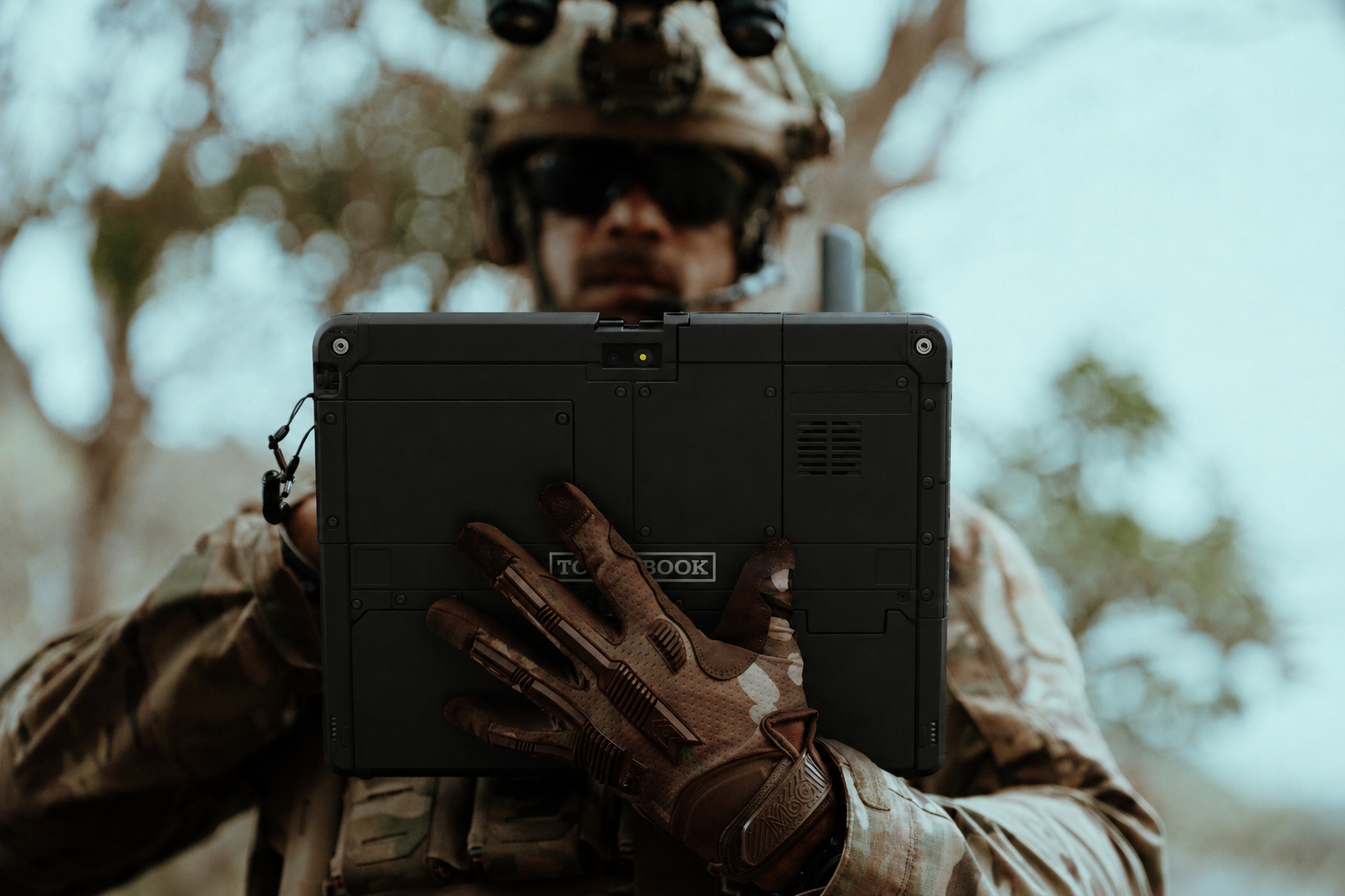
A utility crew restoring power after a storm has enough to worry about without hunting for an outlet. Panasonic Connect’s new TOUGHBOOK 34 and TOUGHBOOK G3 are built for that kind of work.
It’s been some time since Panasonic redesigned their TOUGHBOOK detachable PCs. The new, rugged portables serve two kinds of workspace. The 12.4-inch TOUGHBOOK 34 gives workers more room for maps, diagrams and reports, whether they are in a truck or at a job site. The 10.1-inch G3 is easier to carry into tight spaces. Panasonic is targeting utilities, public safety, federal agencies, field service, warehouses and automotive technicians.
“The people that keep critical services and industries running need technology they can trust in every environment,” said Dominick Passanante, senior vice president and general manager, Mobility Business, Panasonic Connect North America. “The TOUGHBOOK 34 and TOUGHBOOK G3 are engineered to meet those demands by delivering the performance, connectivity and reliability that frontline workers depend on every day.”
More screen, less weight
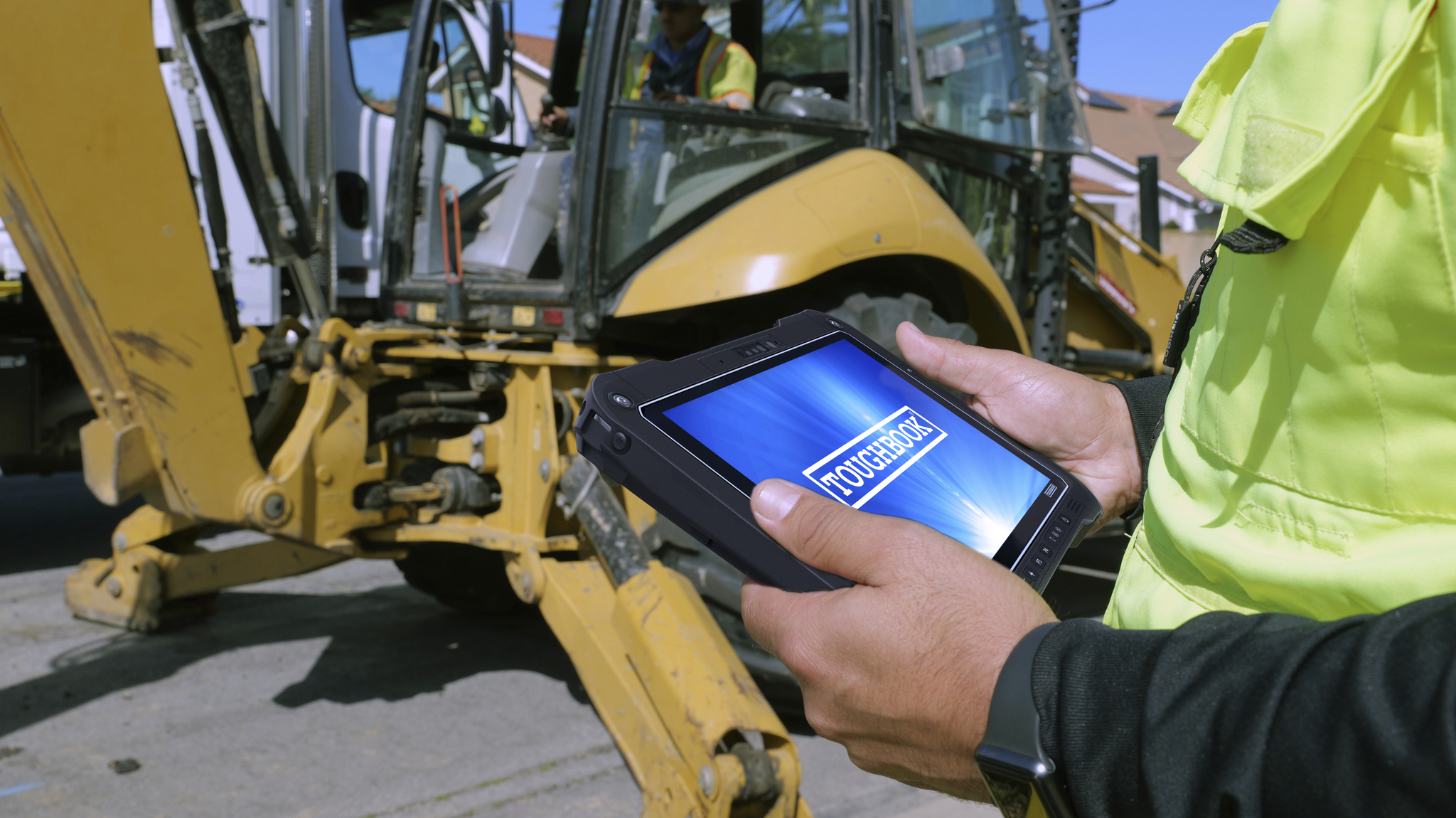
The 34 replaces the TOUGHBOOK 33, moving from a 12-inch to a (slightly lower brightness) 12.4-inch display while trimming the tablet from 3.4 to 2.9 pounds. The extra screen space and familiar 3:2 shape should be welcome for a technician reading schematics.
The G3 retains the G2’s 10.1-inch, 1920-by-1200 display but weighs 2.7 pounds as a tablet, down from 2.9 pounds. Both new models have an IP66 rating, up from IP65 on their predecessors, and are tested to MIL-STD-810H. Panasonic rates them for a 6-foot drop in tablet mode and a 5-foot drop with the optional keyboard attached. Both displays adjust from 2 to 1,000 nits, support touch input in rain or with gloves, and can automatically detect whether a worker is using a finger, glove or pen.
Inside, both use Intel Core Ultra Series 3 processors, with Core Ultra 5 and Ultra X7 options, 16GB to 64GB of RAM and an integrated neural processing unit for supported on-device AI tasks. Optional 5G with private cellular support, Wi-Fi 7 and GPS address the less glamorous question of how a worker gets maps, work orders and dispatch updates outside the office. The 34 is certified for Red Hat Device Edge; Panasonic says G3 certification is still in progress.
Batteries and ports built around the job
Hot swapping is a TOUGHBOOK staple, and Panasonic has kept it here. The 34 is rated for up to nine hours on its standard battery or 18 hours with an optional second battery. With two installed, a worker can replace one without shutting down the PC. The G3 has three battery choices rated for eight, 16 or 23 hours. Its optional bridge battery keeps it running for a battery change, with a one-minute swap window. The ratings come from Panasonic’s controlled tests, so a bright display, cellular connection and demanding apps may affect real-world results.
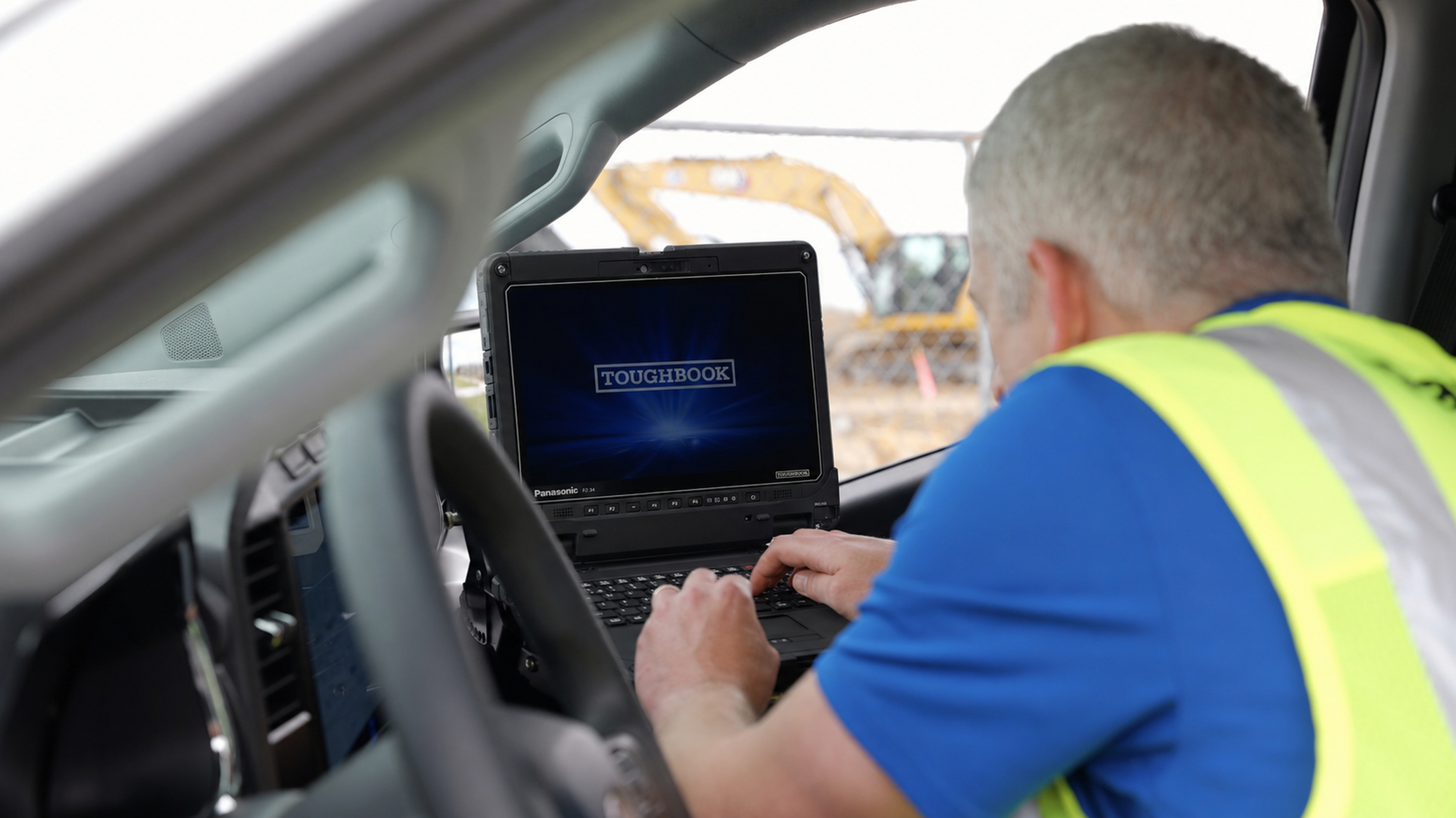
The expansion options are similarly practical. Depending on configuration, workers can add a barcode reader, serial connection, USB port or authentication reader. The 34 also offers an HDMI module; the G3 can be configured with a second Ethernet port or microSD slot. Customers can change user-replaceable modules as needs shift, though some options compete for the same expansion area.
“Our customers have the ability to reconfigure that device on their own without having to send it back to a service station or a repair center,” said Jeff Delatore, Panasonic Connect’s product manager for 2-in-1 products.
For an MSP or integrator, that flexibility is useful when one customer needs barcode scanning in a warehouse and another needs smart card authentication. Panasonic says both devices also work with many existing docks and accessories, potentially saving a fleet operator from replacing vehicle mounts during a refresh. Compatibility still needs to be checked against the exact dock and configuration.
Panasonic includes a three-year limited warranty. The TOUGHBOOK 34 is available now for partners to order across regions. The TOUGHBOOK G3 will be in market shortly, according to a Panasonic PR rep, with final details shared closer to availability. Base pricing was not disclosed, but noted that pricing varies based on configuration and purchase options.
As ChannelPro’s online director and tech editor for over a decade, Matt Whitlock has spent years blending sharp tech insight with digital know-how. He brings more than 25 years’ experience working in the technology industry to his reviews, analysis, and general musings about all things gadget and gear.
Images: Panasonic Connect