

An AI agent that saves employees time can still create an uncomfortable conversation when the bill arrives. For MSPs helping customers adopt the technology, understanding what it costs to operate could become a service opportunity of its own.
A familiar pattern is developing, according to Francisco Criado, senior vice president of cloud, security and AI for North America for TD SYNNEX. Businesses embraced cloud computing, saw its benefits and then discovered that managing consumption required more attention than they had anticipated.
“Everybody was so excited with the cloud. It was the shiny object,” Criado told ChannelPro during an interview at the TD SYNNEX Inspire conference in Greenville, South Carolina.
AI is creating another version of that challenge, Criado said. As companies experiment with applications and agents, they need help understanding what they are consuming, how costs accumulate and which parts of the business should pay for them.
For partners, his recommendation is to make that financial oversight an ongoing service.
AI costs need an owner

Francisco Criado
Token consumption is a particular source of confusion for MSPs, Criado pointed out. Customers using AI applications and agents may struggle to connect the activity happening across different models to the costs their businesses incur. “This spend is starting to surprise people,” he said.
The questions extend beyond the total AI bill.
- Should a company allocate budgets before employees begin building AI solutions?
- Should individual business units be charged for what they use?
- How can the organization encourage experimentation while keeping spending accountable?
Businesses are working through those decisions as AI development spreads to the employees closest to everyday processes, Criado said. Those workers may see opportunities to improve a task or introduce a service, but their projects still need financial oversight and governance.
For an MSP, that creates a reason to stay involved after deployment. As a customer introduces more AI workflows, it must understand the related operating costs and evaluate whether the benefits justify the expense.
To address that problem, TD SYNNEX introduced FinOps Fusion at Inspire as part of its Destination AI framework. The offering includes visibility into AI token spending across public cloud and on-premises environments, optimization recommendations, partner enablement and support for recurring managed FinOps services. At launch, the company also outlined an AI Token Consumption Assessment planned for later this year.
Look across the entire environment
Criado said the idea for FinOps Fusion emerged from conversations with partners at the TD SYNNEX High-Growth Summit earlier this year in Puerto Rico.
The distributor already had a practice focused on cloud spending, he explained. Partners were also evaluating customers’ on-premises infrastructure and total cost of ownership. The opportunity he identified was to bring those conversations together more consistently.
A customer’s cloud and on-premises environments may be managed or evaluated separately, but decisions about where to run applications affect both. A provider looking across the environment can make recommendations about migrating workloads to the cloud or bringing them back on premises based on price and performance.
That broader view is a way for partners to strengthen their advisory role, Criado noted. “It really puts the partner even more in the driver’s seat and just creates even more stickiness as they’re engaging with their customers.”
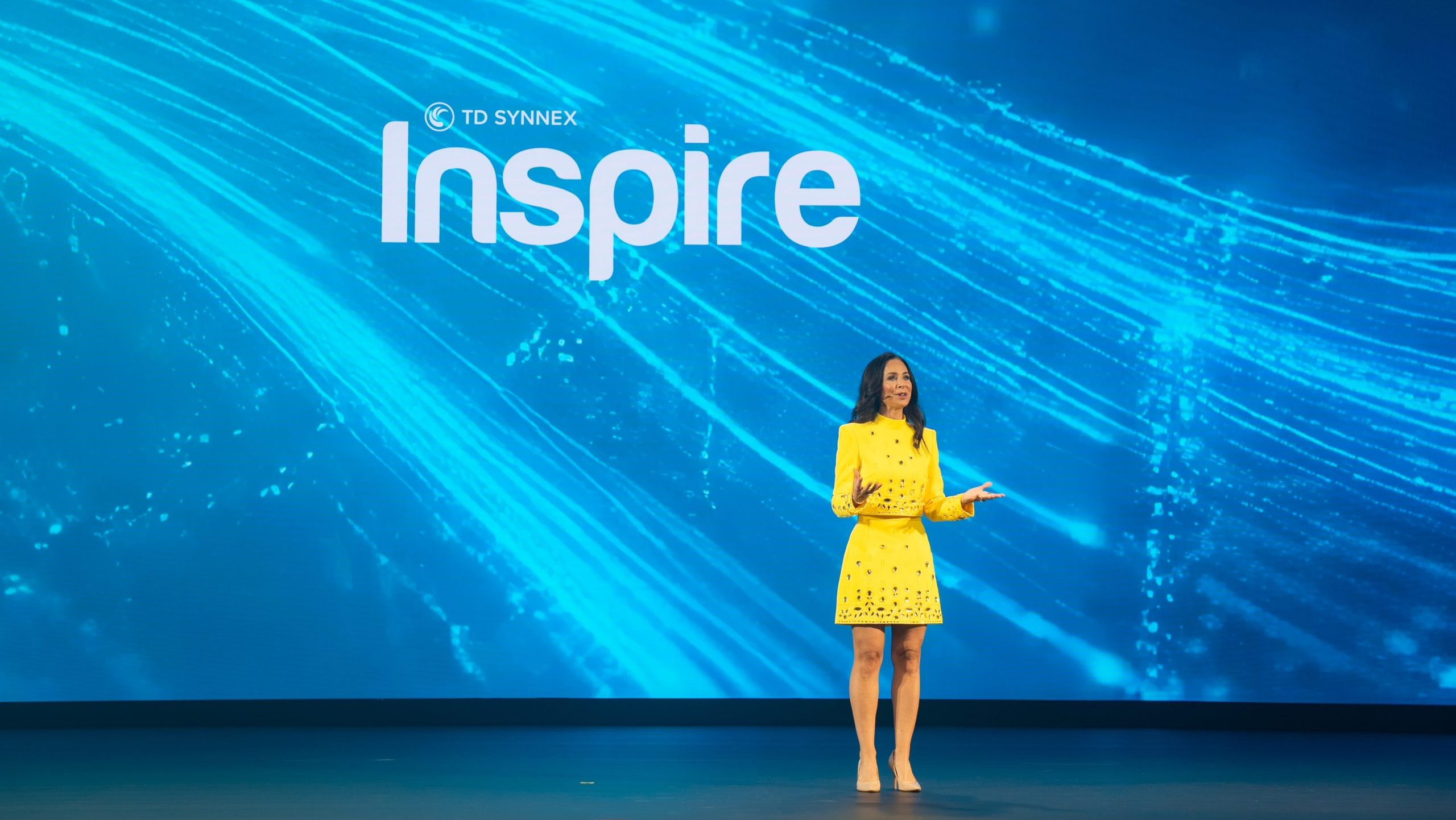
Criado at TD SYNNEX Inspire 2026
The timing also is aligned with the evolution of channel businesses, he added. Partners that once concentrated on infrastructure or cloud are developing capabilities across both. This creates a need for services that connect those practices.
The practical value for MSPs is a more informed customer conversation. Understanding consumption costs alongside infrastructure requirements can help a provider explain why a particular deployment makes financial and operational sense.
Build a service that continues after the assessment
Criado described several ways partners could package cost management, preferring an ongoing manged service approach. A provider could:
- Conduct a one-time engagement to rightsize an environment
- Share recommendations through a dashboard
- Structure an assessment around a portion of the savings achieved
That approach can connect to partners’ interest in predictable revenue and profit, business stability and valuation, he said. Cost management gives providers a reason to keep reviewing the environment as customer needs and consumption change.
That ongoing work can include monitoring, optimization and governance. The initial assessment establishes what is happening; subsequent reviews help the customer make decisions as its use of AI develops.
Governance also needs to support the people doing the experimenting. Criado described TD SYNNEX’s approach as combining centrally developed agents, libraries and toolkits with opportunities for employees to innovate within established boundaries.
The objective is to create useful business outcomes. Encouraging employees to use more AI, by itself, is a poor measure of progress. “It’s not who consumes the most AI,” Criado said, emphasizing fluency and the value employees create with the technology.
His advice for MSPs pursuing AI opportunities is to develop a recognizable specialty. That could involve a vertical focus or a distinctive capability that serves customers across industries.
For a provider developing AI cost management services, help customers understand what their AI activity costs. Then, identify opportunities to improve efficiency and maintain oversight as usage grows. That gives the MSP an ongoing role in the financial decisions that follow the initial deployment.
More ChannelPro coverage from TD SYNNEX Inspire
 Your MSP’s next growth opportunity may already be a customer
Joel Zaidspiner is vice president and associate publisher of The ChannelPro Network.
Images: stock.adobe.com — Pixels Hunter, LinkedIn, TD SYNNEX